Plan with your business
Brand intake and an approved strategy guide the cadence and content.
iAmBruno™ / Social Media Studio
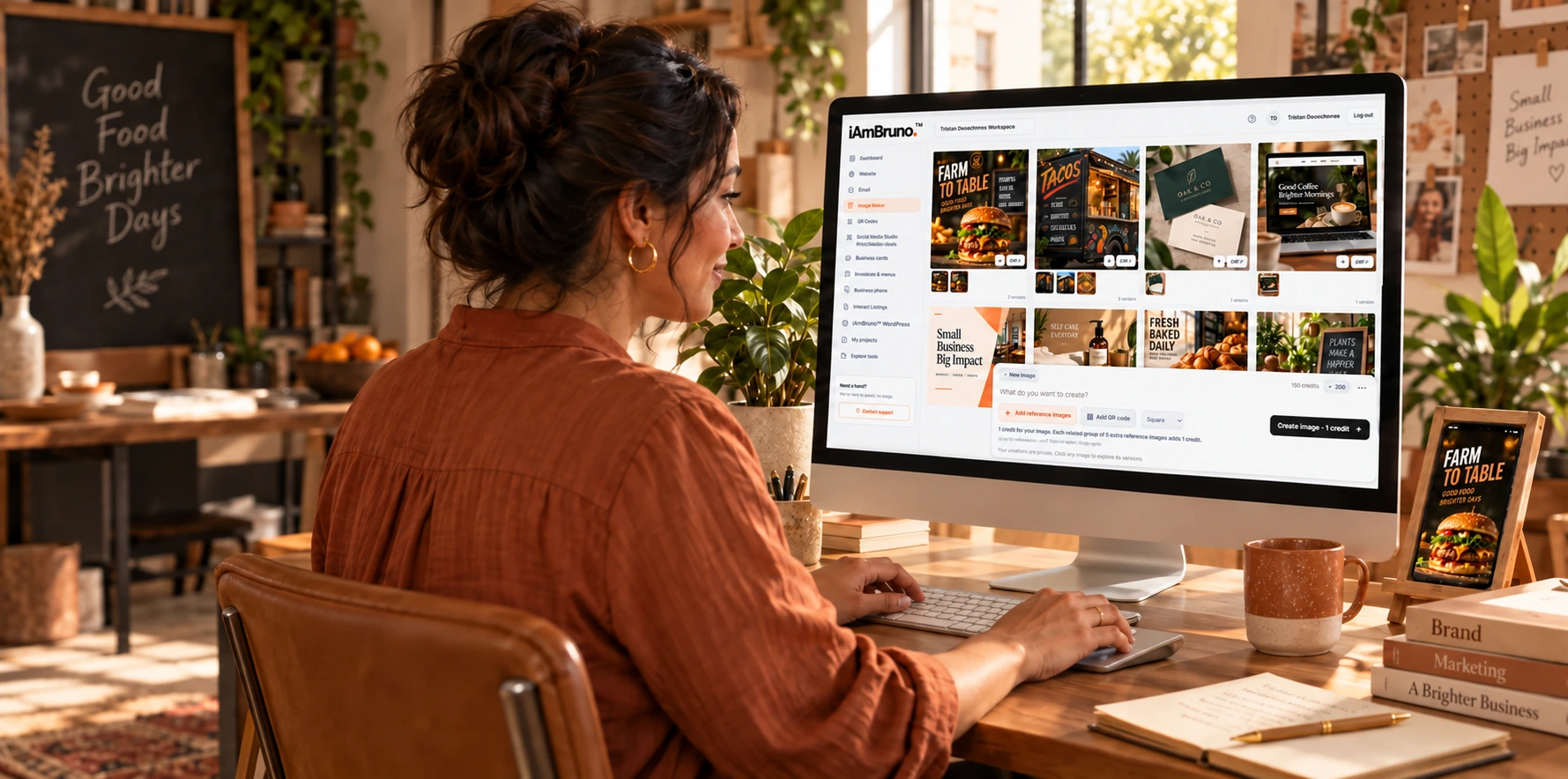
iAmBruno™ creates the idea, produces the images, the captions and posts for you.
LinkedIn, Instagram and Facebook, plus website blog drafts. USD.
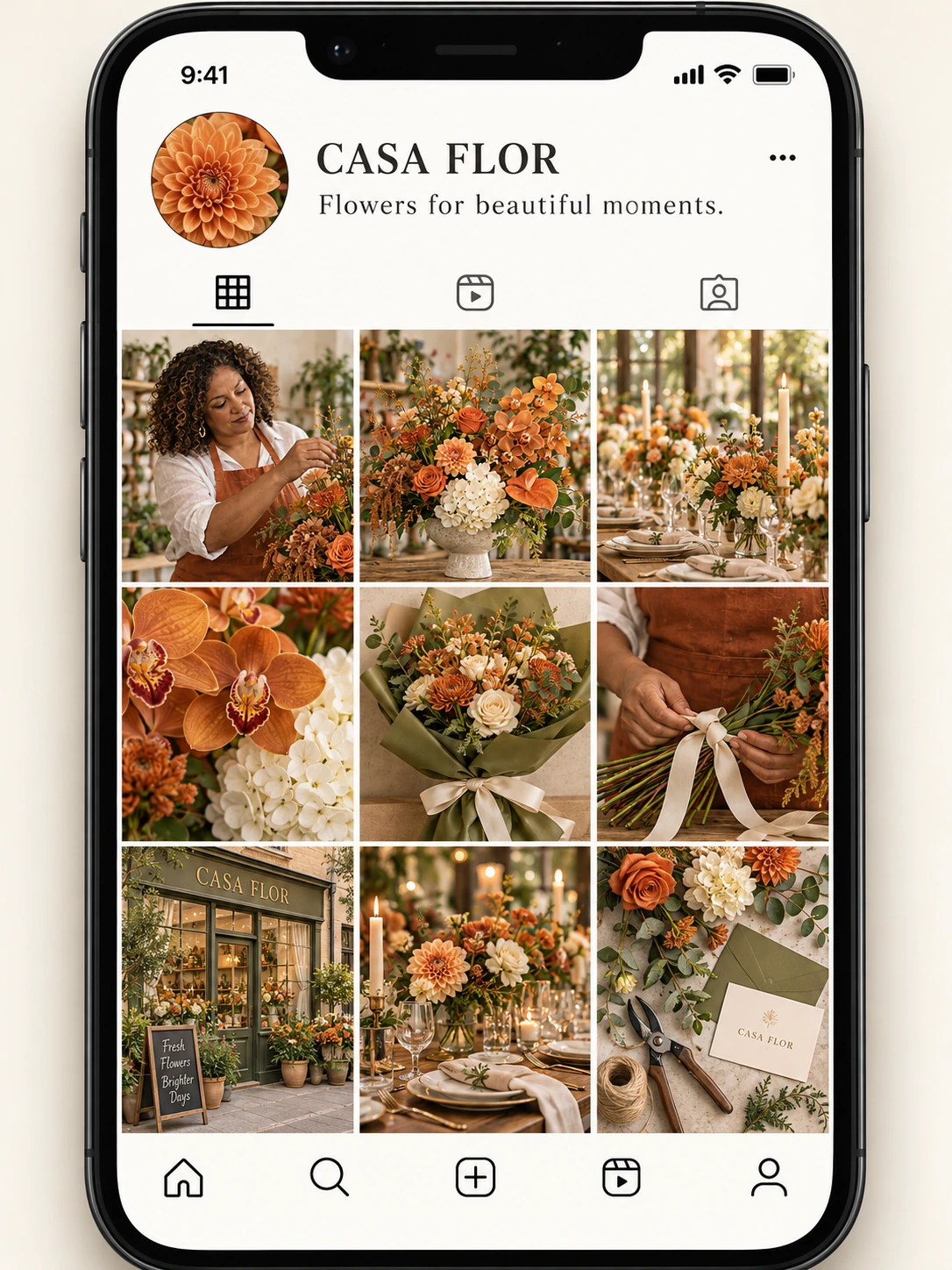
WHAT IT DOES
Start with your business, audience and goals. Approve the strategy, connect your channels and turn the direction into posts you can review on a saved calendar and board.
Brand intake and an approved strategy guide the cadence and content.
Full content production. Images and captions, built around your approved plan and ready to review together.
Use the weekly or monthly board to review content, dates and time slots.
REAL PERSON. REAL WORK. ALL iAmBruno™.
The plan. The images. The captions. The calendar.
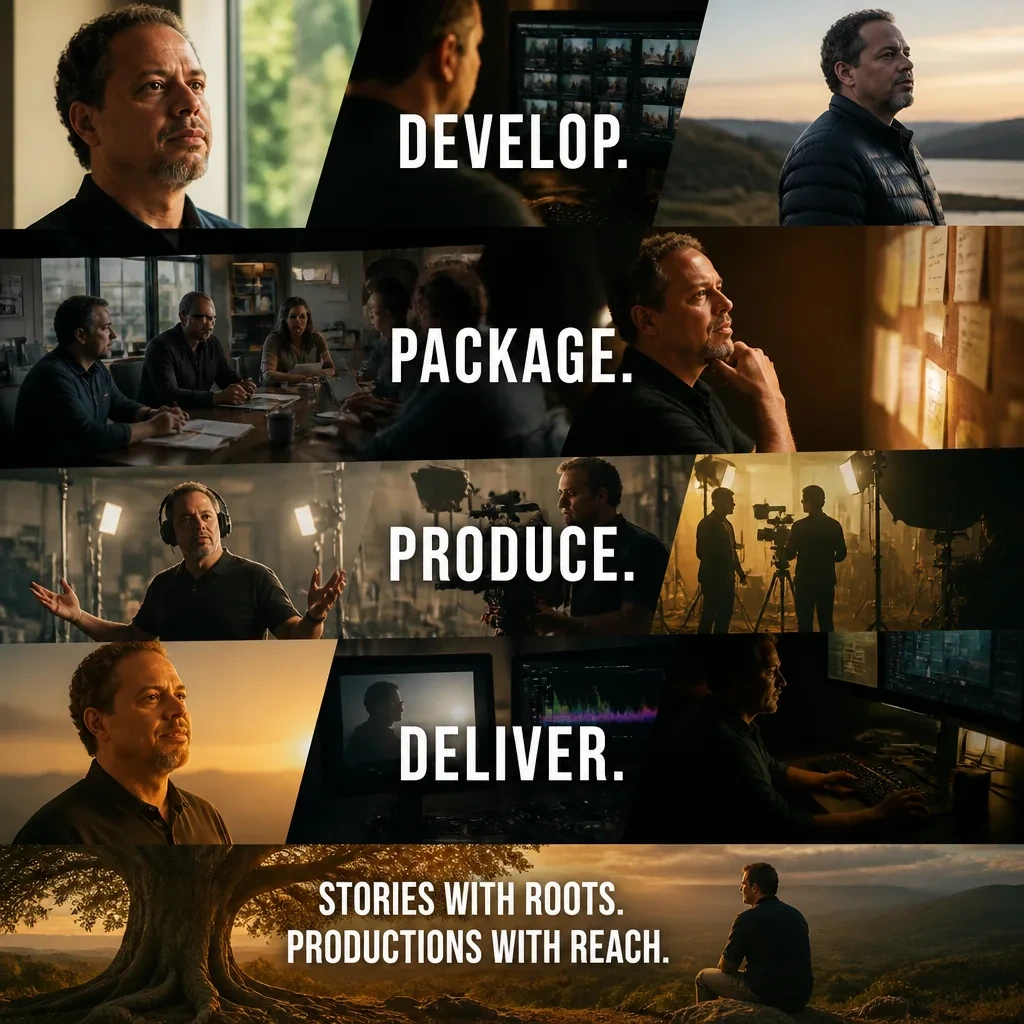
Every part built by iAmBruno™. Explore the actual work created for Tristan, a film producer who uses iAmBruno™ for his personal presence.

MEET THE PERSON BEHIND THE POSTS
Film producer. iAmBruno™ user.
Explore the saved content. See the finished work.
How iAmBruno™ gets thereTHE START / YOUR STORY
Fill out the form in less than five minutes. Add your information, links and a few photos. iAmBruno™ builds your social media plan. Approve it, and iAmBruno™ takes over: images, captions and posting calendar.
YOUR INPUT. iAmBruno™’S DIRECTION.
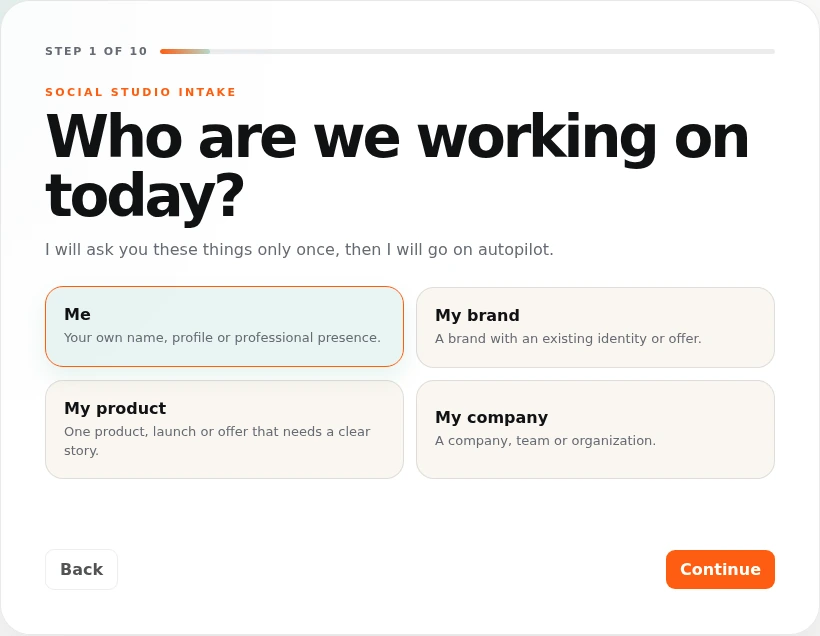
Choose who the social media accounts are for: you, your brand, a product or your company.
iAmBruno™ asks the right questions for the person or business whose social media it will manage.
YOUR INPUT. iAmBruno™’S DIRECTION.
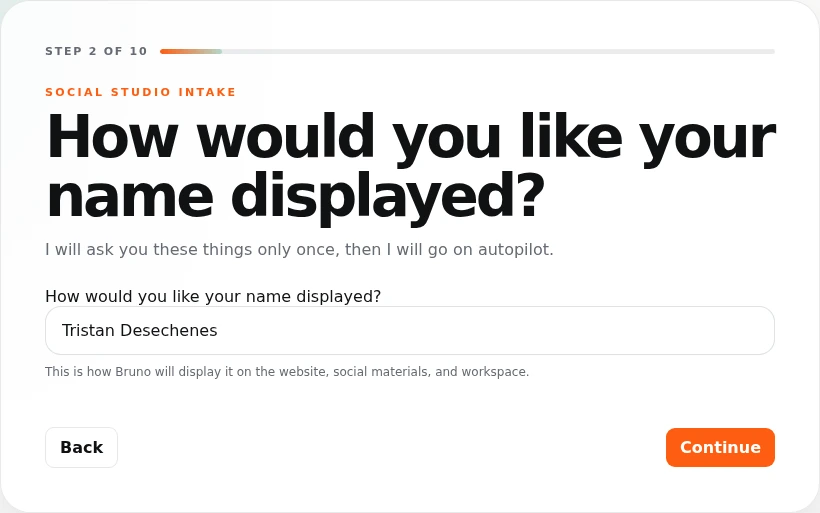
Enter the exact name you want displayed in your social media content. It can be your name, your business name or your product’s name.
iAmBruno™ uses that name in your plan and generated content.
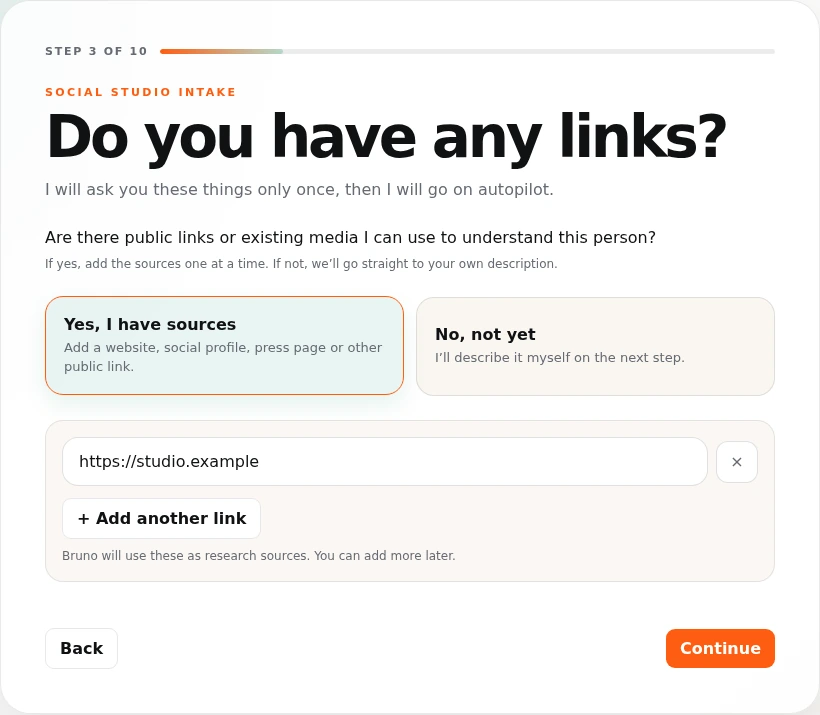
YOUR INPUT. iAmBruno™’S DIRECTION.
Paste your website and any existing public social media profile links. If you do not have them yet, you can skip this step.
iAmBruno™ reads the public information you share to learn about you and help write your description.
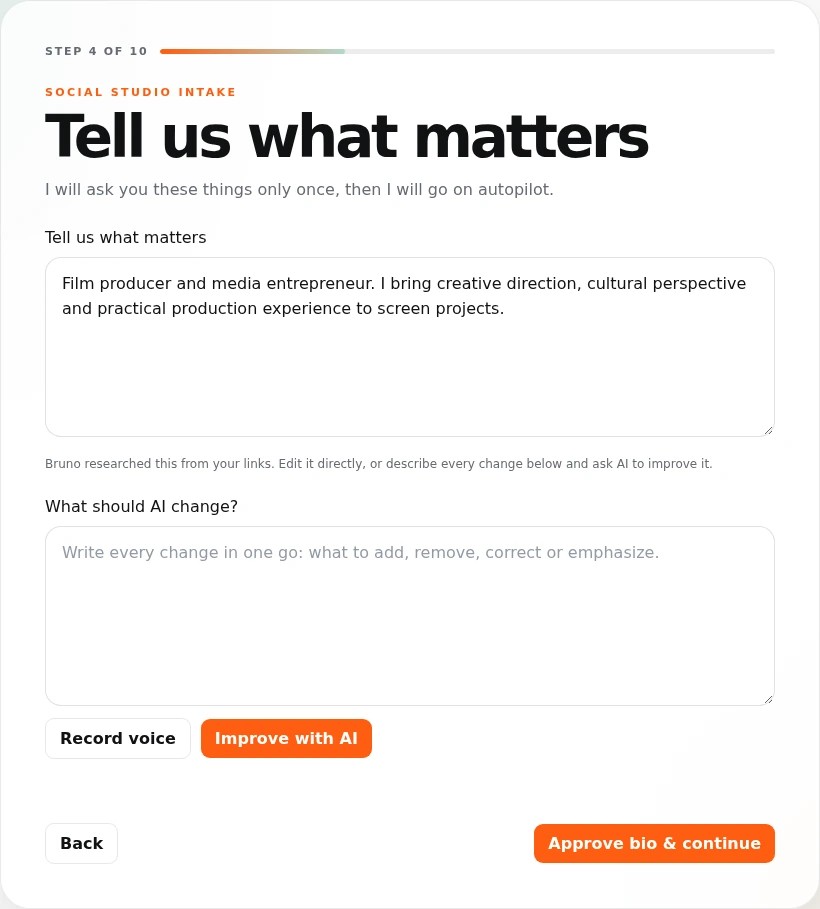
YOUR INPUT. iAmBruno™’S DIRECTION.
Tell iAmBruno™ what you do, who your customers are and what you offer. Type it, record it or edit the description iAmBruno™ helps write.
iAmBruno™ uses those details to decide who your posts should speak to and what they should say.
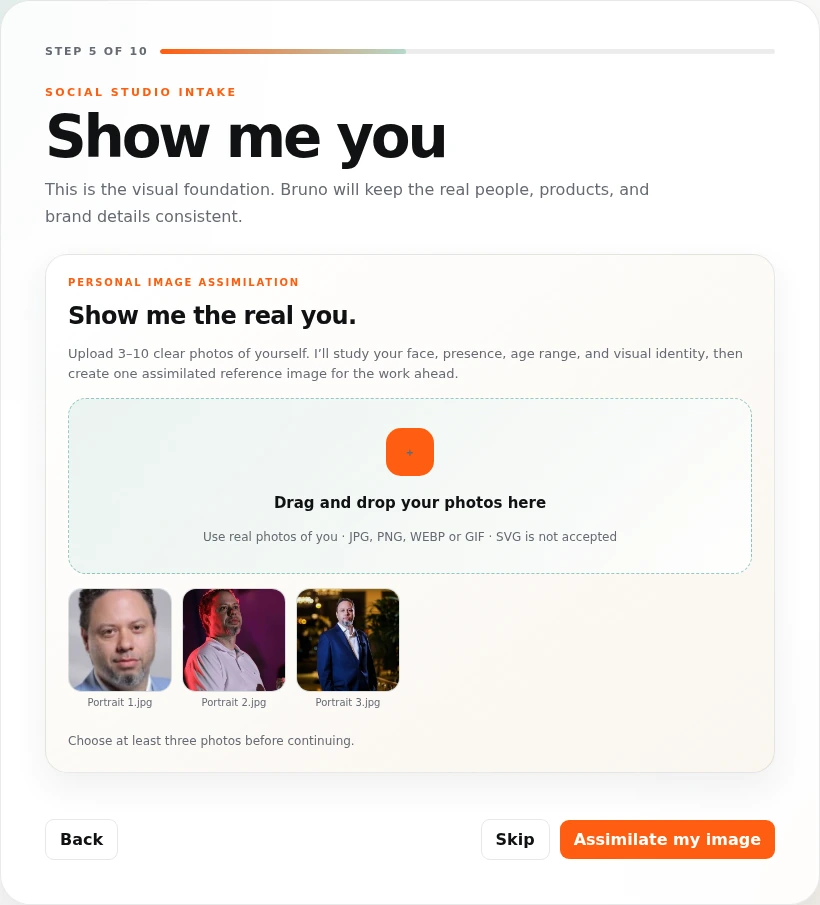
YOUR INPUT. iAmBruno™’S DIRECTION.
Upload a few clear photos of yourself. For a business, add your logo and photos of the founder when requested.
iAmBruno™ uses your photos as references when creating images, so the posts look like you and your business.
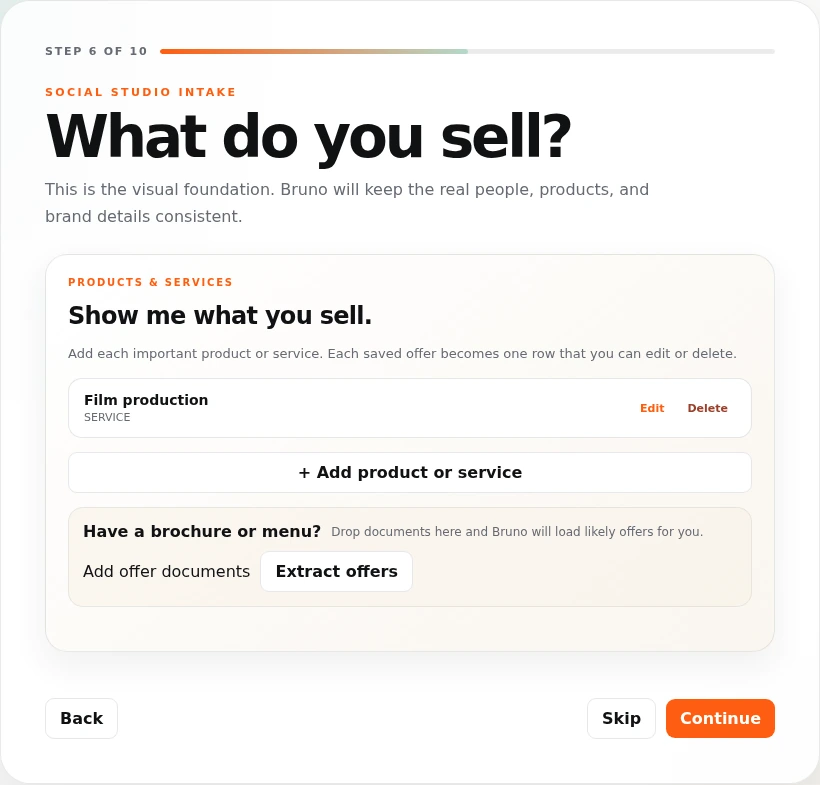
YOUR INPUT. iAmBruno™’S DIRECTION.
Add photos of your products or examples of your services. Include documents or details that explain them.
iAmBruno™ creates post ideas around your actual products and services, using the details and photos you provided.
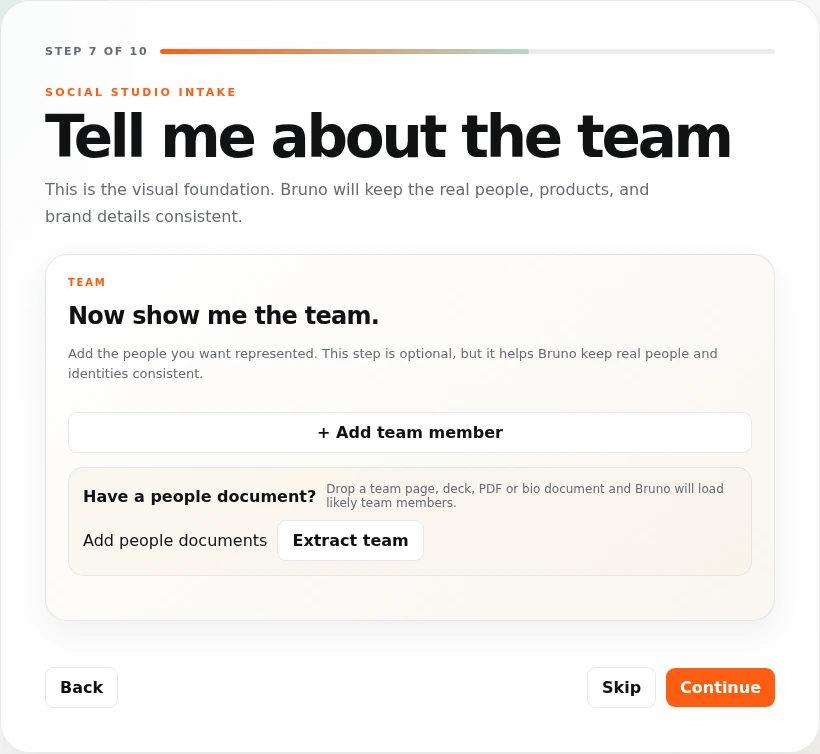
YOUR INPUT. iAmBruno™’S DIRECTION.
Add team photos and explain who is in them. Skip this step if you work on your own.
iAmBruno™ uses that information when planning posts about your people and your business.
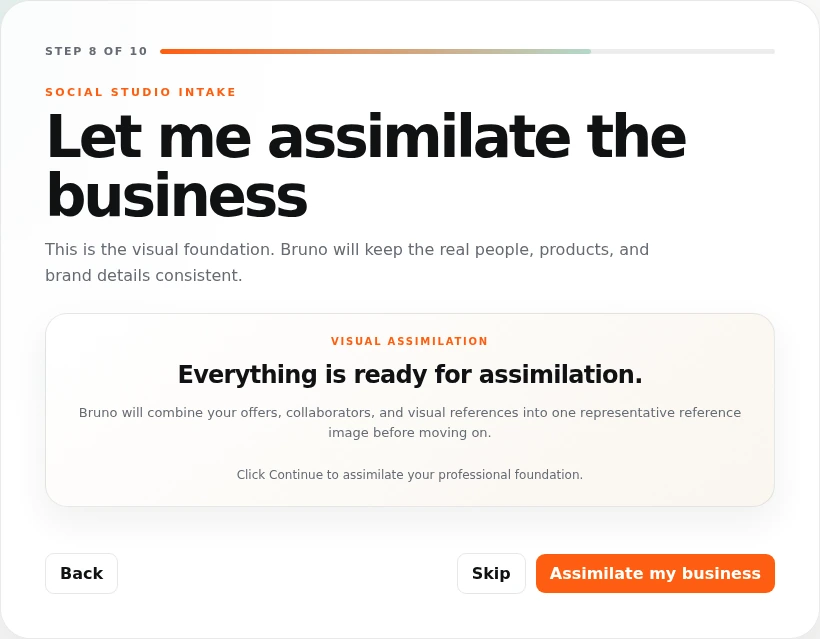
YOUR INPUT. iAmBruno™’S DIRECTION.
Upload photos of your shop, truck, restaurant, studio or the work you do. Add any other useful business materials.
iAmBruno™ uses these references to make the images and post ideas specific to your business.
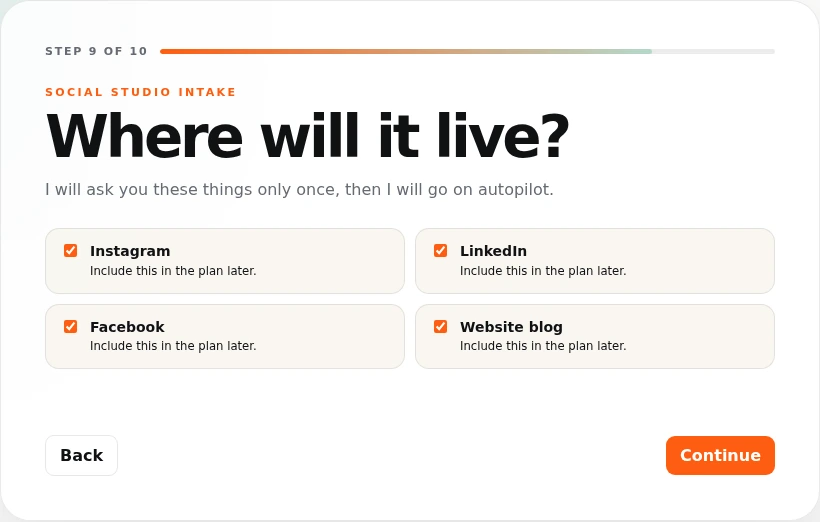
YOUR INPUT. iAmBruno™’S DIRECTION.
Choose Instagram, Facebook or LinkedIn, and a website blog if you want one. Connect your social accounts when you are ready to publish.
iAmBruno™ plans posts for the channels you choose and creates a posting schedule for them.
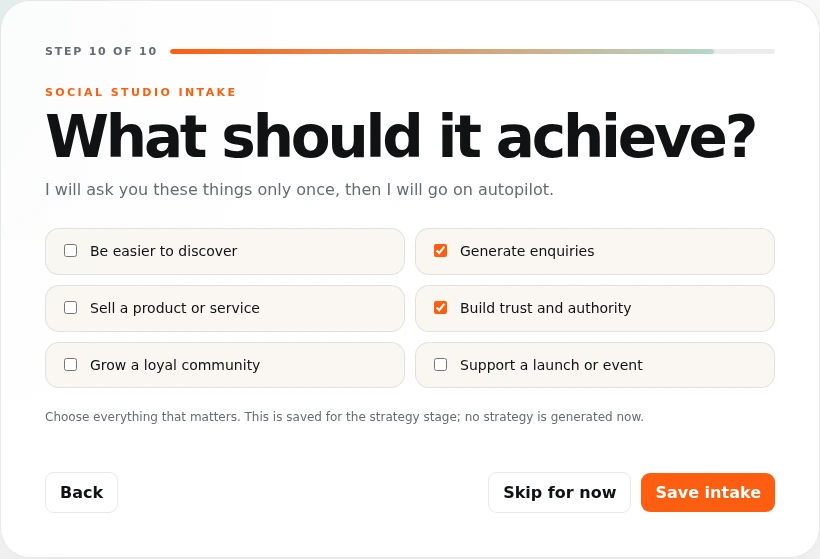
YOUR INPUT. iAmBruno™’S DIRECTION.
Tell iAmBruno™ what matters most: more people finding you, more enquiries, more sales, building trust or promoting a launch.
iAmBruno™ builds a plan around those goals. Review and approve it, then let iAmBruno™ create your posts.
Keep exploring. One simple step at a time.
Step 1 of 10
Create one post, a week or a month of content. Review the images and captions on your calendar, then publish through your connected accounts.
See the actual planTRISTAN’S PLAN / CREATED BY iAmBruno™
This is the full social media plan iAmBruno™ created for Tristan. Open it or download it to see the depth of the work: his positioning, audience, content themes, channels and posting schedule, all built around his story and goals.
THE CREATIVE / YOUR REFERENCES IN THE WORK
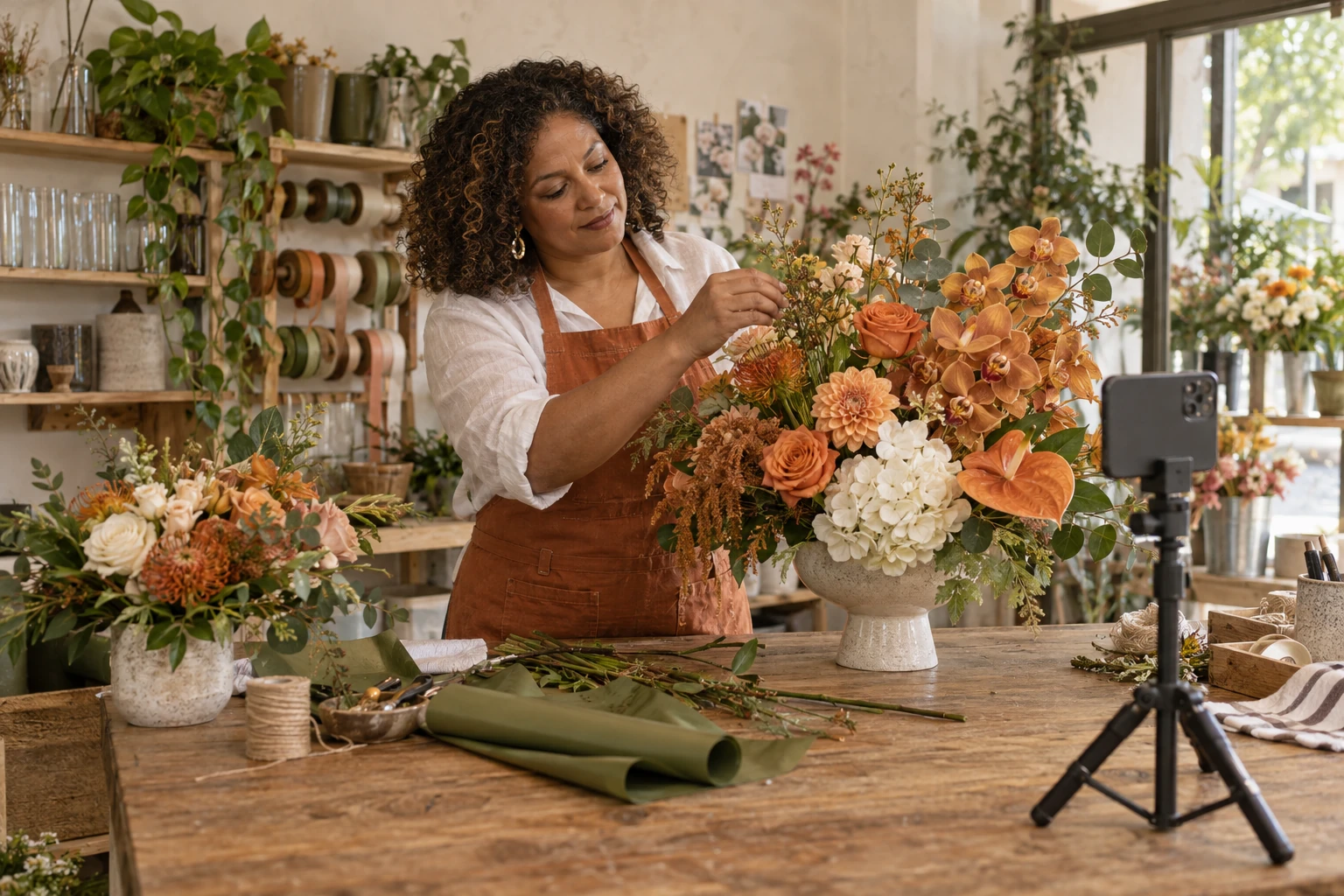
Give iAmBruno™ your reference photos. It uses that context to create images for the ideas in your plan, with captions to match. These are actual images from Tristan’s saved posts.
WHAT TRISTAN GAVE iAmBruno™

Different settings. Different ideas. A visual presence that still feels like you.
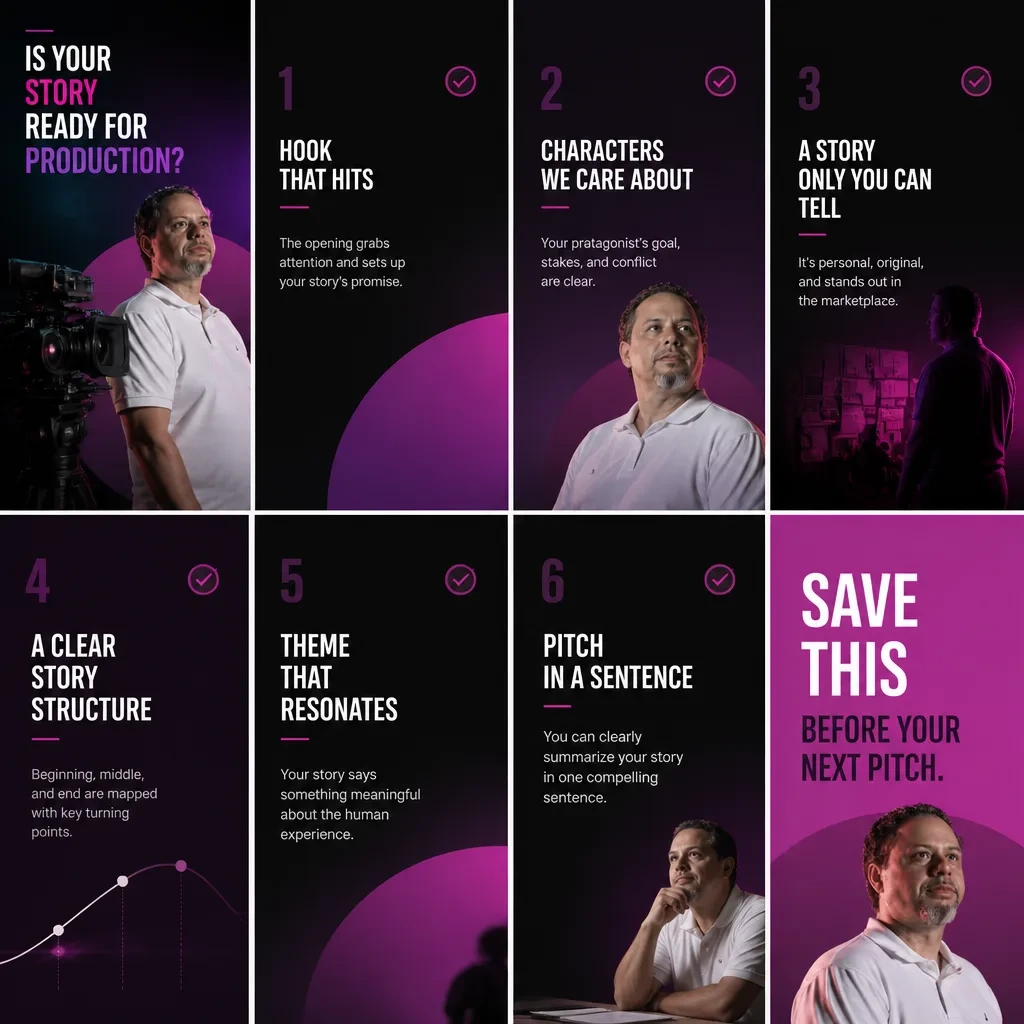


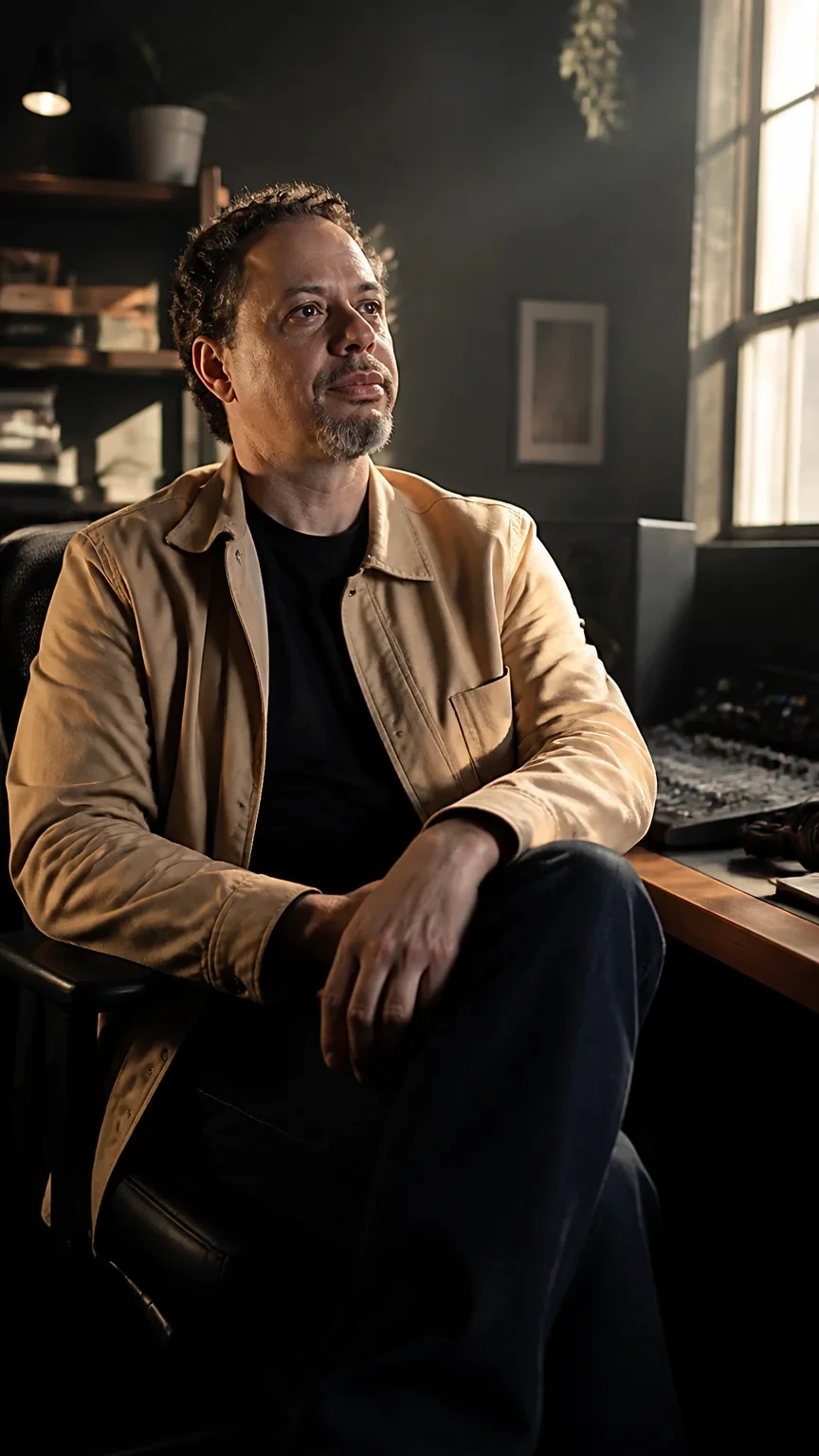
iAmBruno™ develops the idea, produces the image and writes the caption. Review the work on your calendar, then publish through your connected channels.
BEFORE YOU START
Facebook business pages, Instagram and LinkedIn connections, plus website blog article drafts.
Yes. The studio supports one-post, seven-day and thirty-day production, with new or replacement work for a chosen date range.
Yes. Your saved calendar and board include post details and image enlargement, with weekly, monthly and fullscreen views.
Social Media Studio
LinkedIn, Instagram and Facebook, plus website blog drafts. USD.